
QuickClick Button
multiple ways to incorporate a payment Solution
within your website or mobile device.
Using our Button Creator, you can quickly and easily create Buy Now, Add to Cart, or Donation buttons for placement on your website Or Mobile Device.
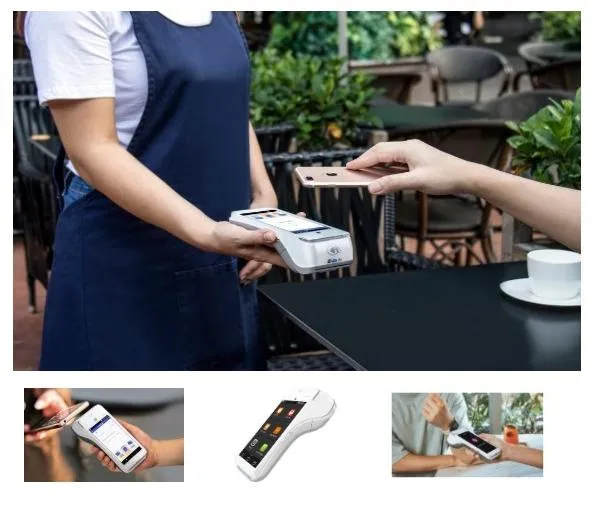
Shopping Cart Button
After clicking on "Add to Cart", the customer will be redirected to a shopping cart page. There, the customer can choose to continue browsing your site for other products and services, or they can purchase the items in their cart. If you anticipate that your customers will buy several different products or services at one time, a shopping cart would be most appropriate.
Single Item fixed Price Button
After clicking on "Buy Now", the customer can be sent directly to a checkout page, where they will be asked for their Name, Address, and Credit Card information. If your customers typically purchase only one product or service at a time, this may be the best approach.
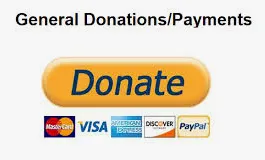
Donations Button
After specifying an amount and clicking on "Donate", the customer will be sent directly to a checkout page, where they will be asked for their Name, Address, and Credit Card information.
Recurring Payments
Customers will be able to sign up for any of your current recurring plans you have set up for your merchant account. On checkout, customers will be charged and then added to a recurring subscription. For consistency with recurring fees, no surcharge will be applied, even if one is configured for other QuickClick transactions.
We Help Ourselves By Helping You
& Thank You For Allowing Us To Do So.



Ignite Merchant Solutions, is a certified independent sales agent, of Fiserv, CardConnect, Authorize.Net, NMI, Clover & Clover Capital.
Copyright 2026. Ignite Boston. All Rights Reserved.